⚡
Blazing Fast
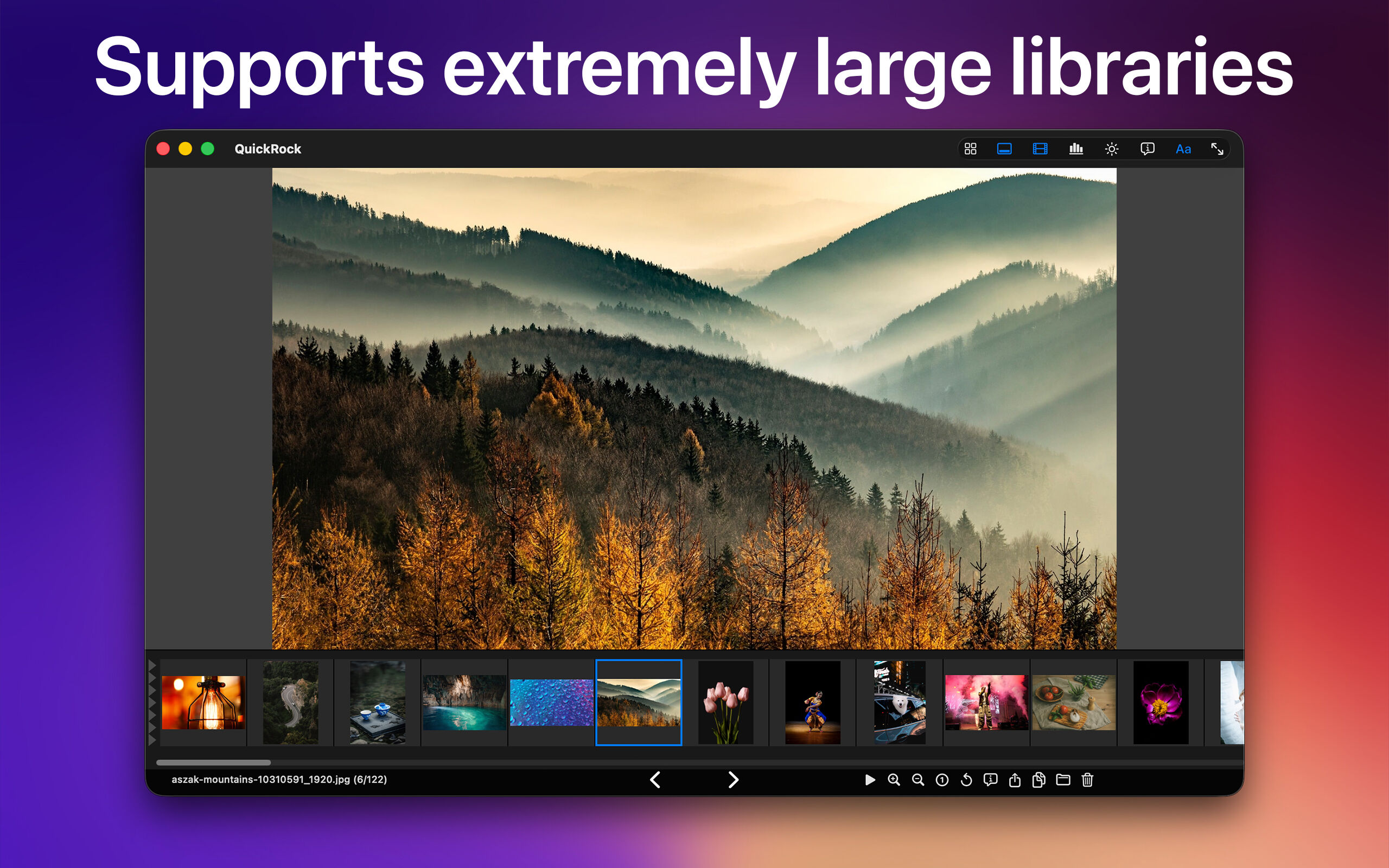
QuickRock opens a folder of 200,000+ images in just a few seconds.
Its bounded memory model never loads the whole library — it stays
responsive no matter how large your collection grows.
📸
70+ File Formats
JPEG, PNG, HEIC, WebP, AVIF, JPEG XL, GIF, TIFF, BMP, PSD, TGA,
Radiance HDR, and every camera RAW format Apple supports — plus
OpenEXR with DWAA and DWAB compression that macOS itself cannot open.
Includes a QuickLook extension so EXR files preview in Finder just like any other image.
📁
Powerful File Management
Flag images with a single keypress for batch operations — copy, move, or
trash all flagged files at once. Apply Finder color tags on the fly.
Copy or move individual files to configured destinations. Undo the last
file operation with Cmd+Z. Nine persistent Folder Bookmarks for your
most-visited locations.
🔬
Precision Inspection
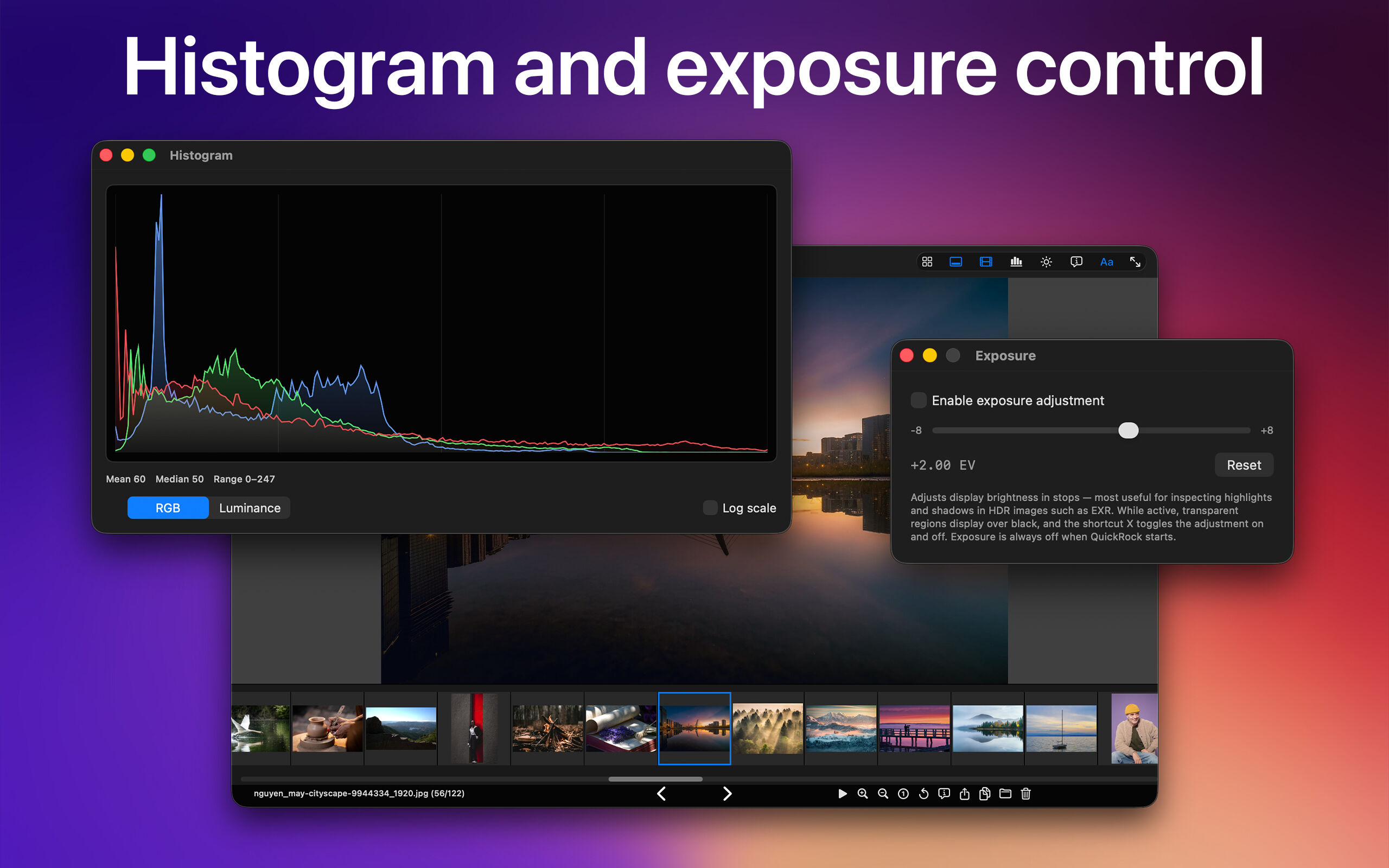
Live histogram with R/G/B and luminance channels. Exposure control for
examining HDR files. Isolate individual RGB channels or view the alpha
channel. A/B compare lets you pin one image and flash between it and the
current one at the same zoom and pan. Rich metadata and EXIF display.
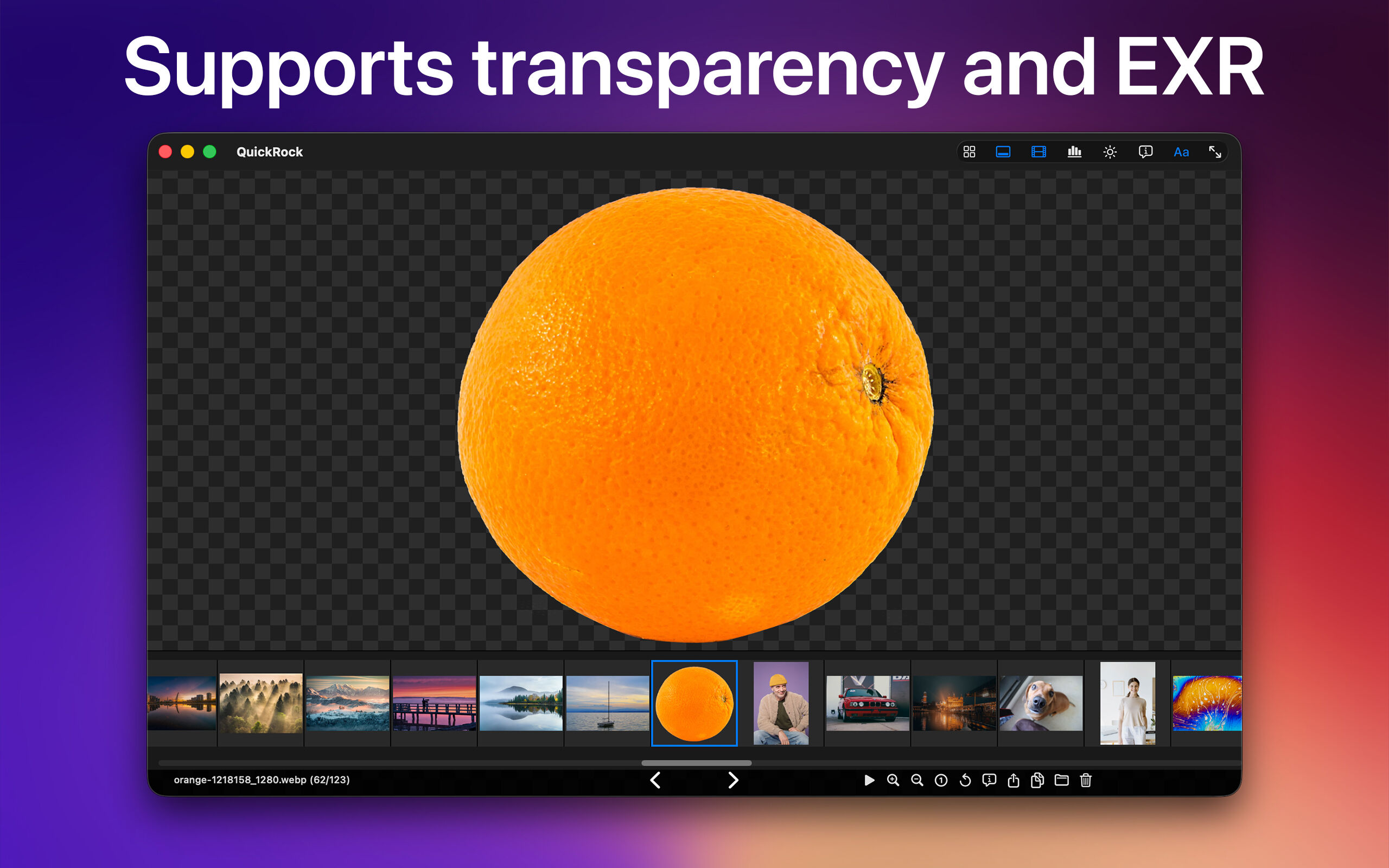
Transparency can be shown against black, white, gray, or a checkerboard.
🗂️
Flexible Viewing
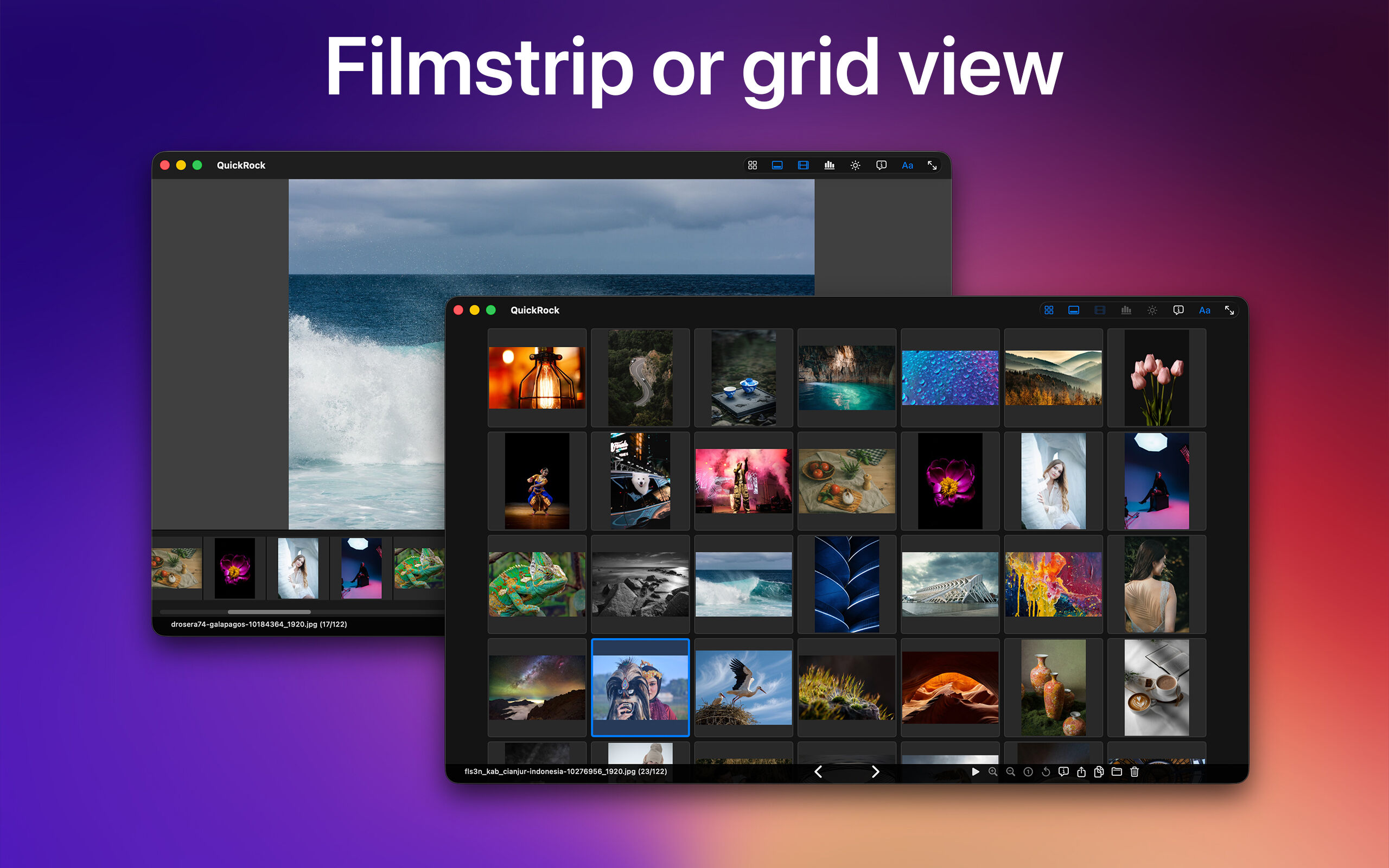
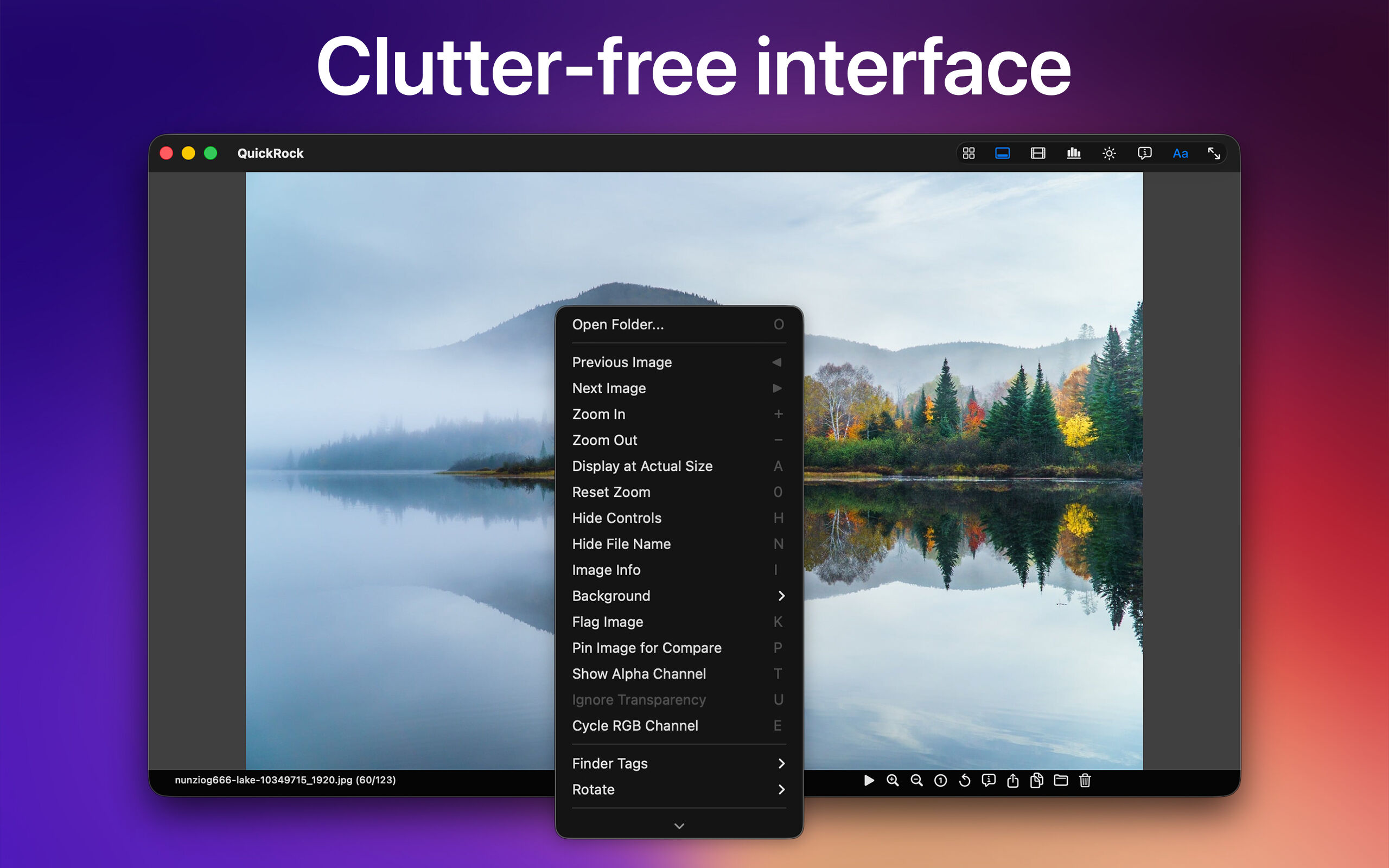
Thumbnail filmstrip for fast visual navigation, a fullscreen thumbnail
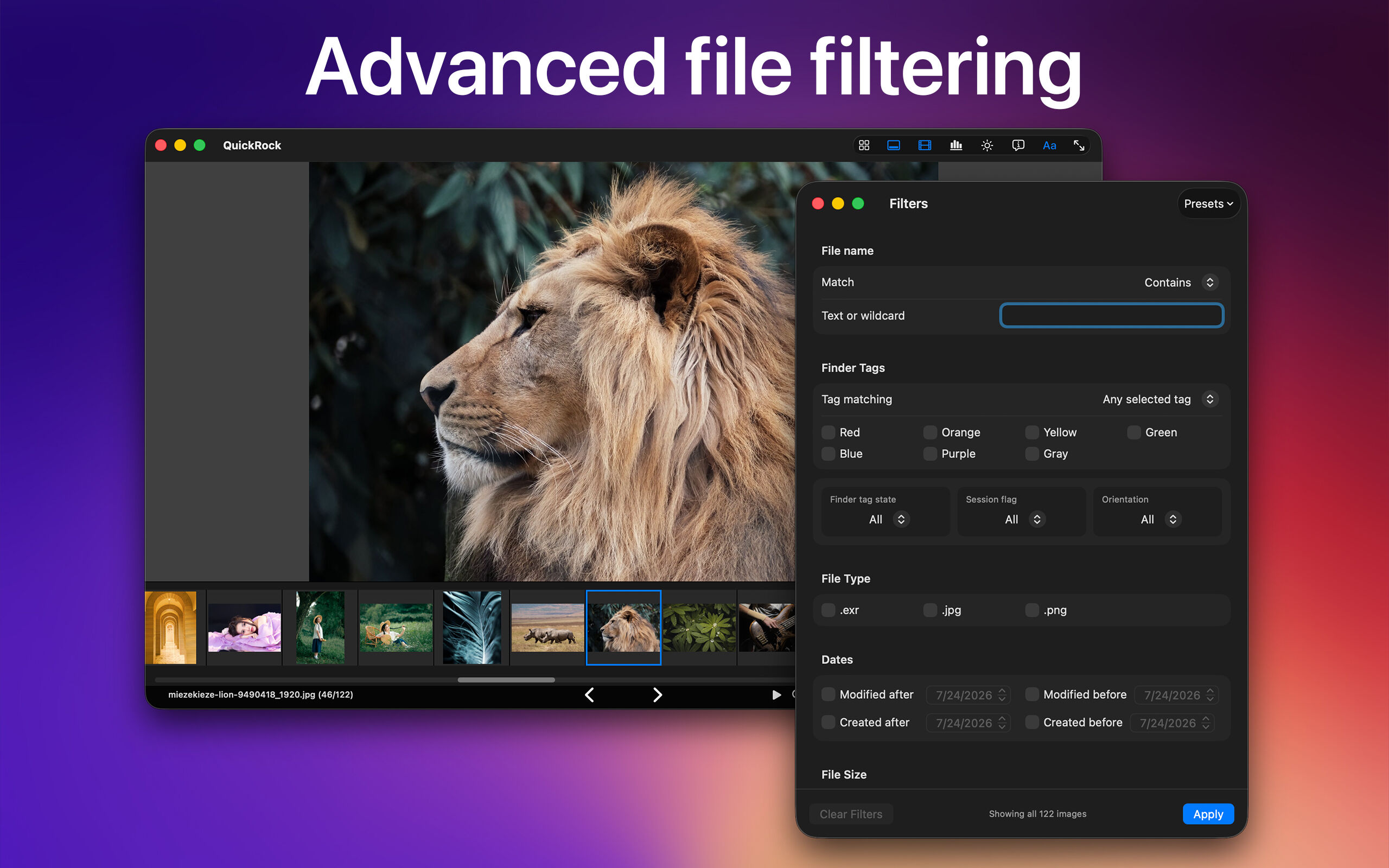
grid, and clean distraction-free fullscreen viewing. Advanced filtering
by name, tag, file type, orientation, date, size, or dimensions — with
saveable presets. Sort by name, date, size, or dimensions. Slideshow
with six transition types, shuffle, and tag filtering.
🎛️
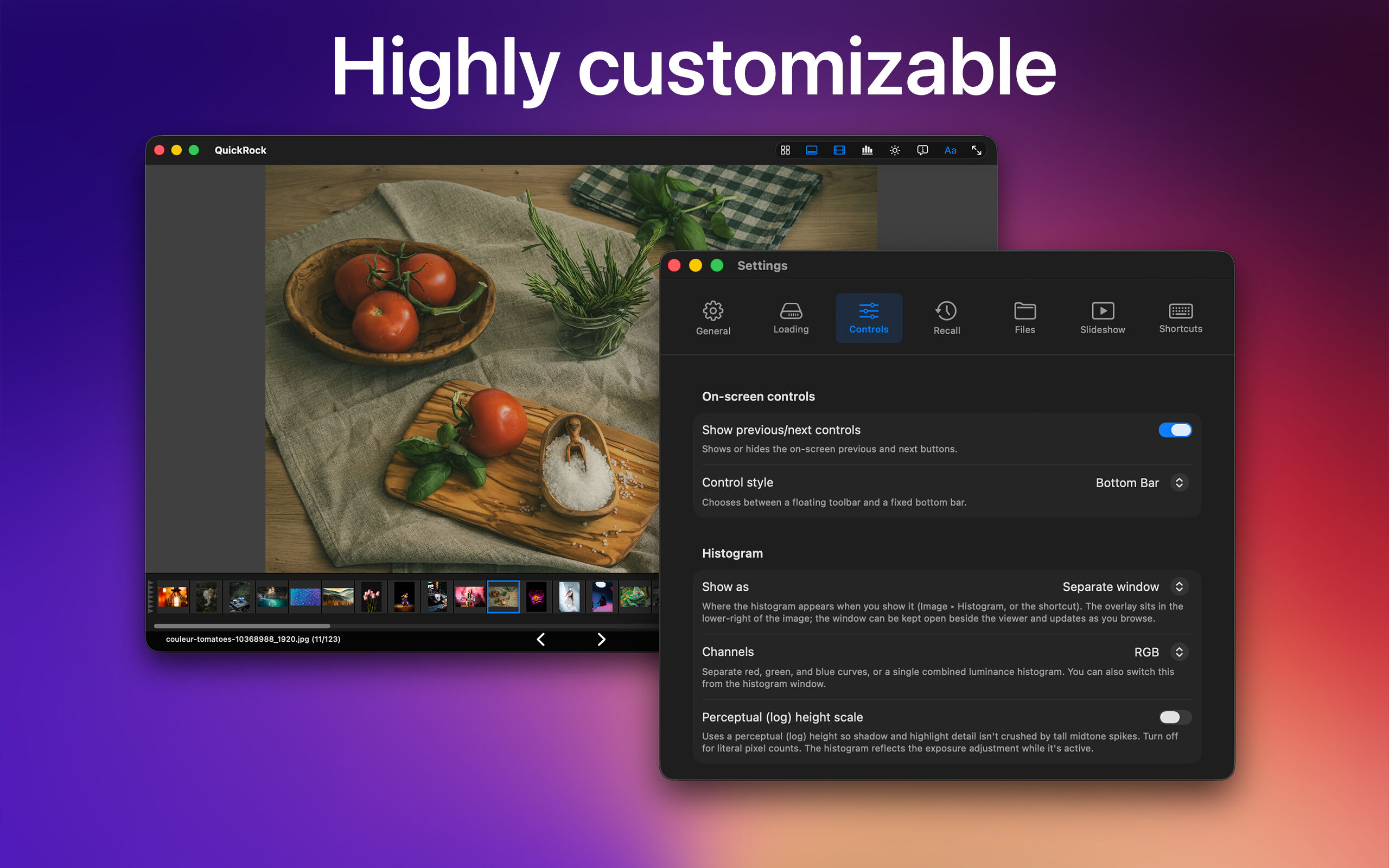
Fully Customizable
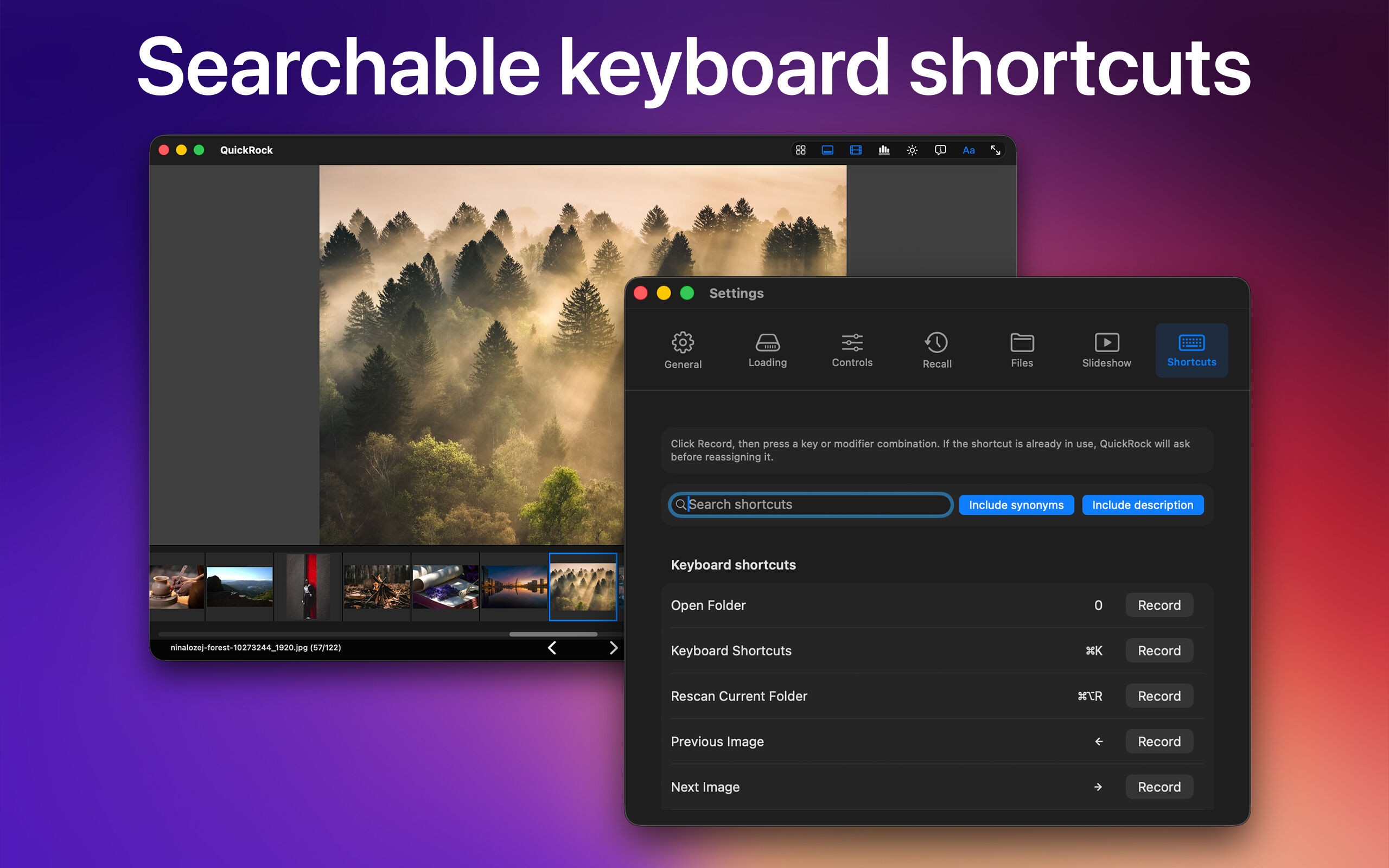
Every keyboard shortcut is reassignable. The shortcut editor lets you
search by name, synonym, or description to find exactly what you need.
Mouse-click navigation, trackpad gestures, zoom behavior, background
color, on-screen controls, file name display — QuickRock adapts to
the way you work.